NHS urges ‘tap the app’ as 1 in 4 miss appointments
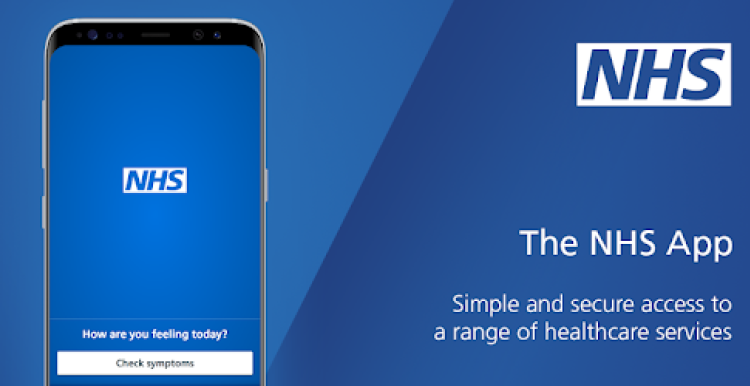
The latest appointment statistics also show that patients did not attend 16 million GP appointments in 2025, with no shows for 1 in 23 appointments (4.3%) – the equivalent of an entire day of missed appointments at every GP practice in England each month.
The figures also reveal that the NHS arranged 376 million appointments at GP practices in 2025 – 8.4 million more (2.3%) than in 2024.
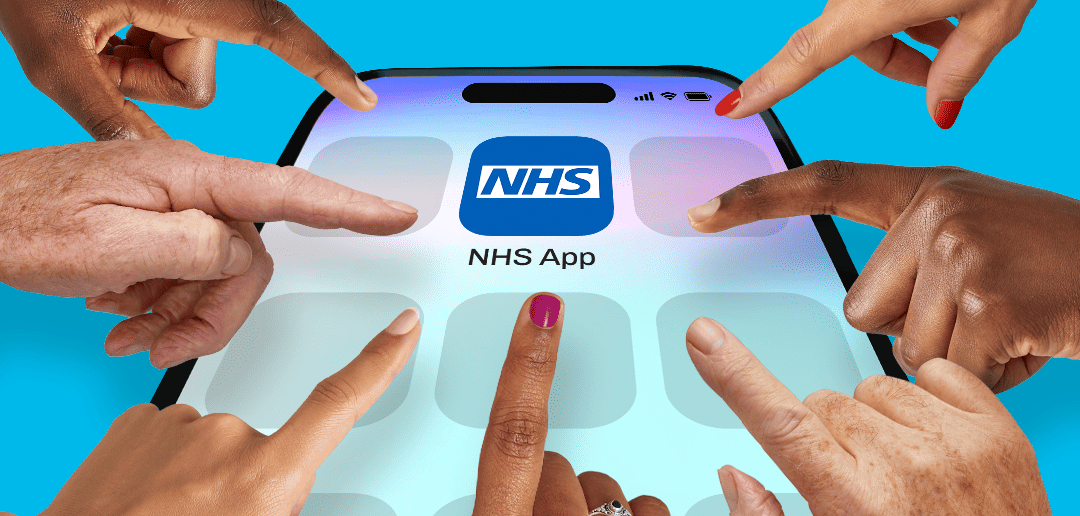
The new ‘Tap the NHS App’ campaign is highlighting the benefits of enabling notifications, with adverts appearing on pharmacy bags, radio channels and social media.
Users are also being encouraged to cancel or rearrange their appointments through the app and to use it to request repeat prescriptions instead of having to visit their GP practice.
Last year, the NHS rolled out a new Amazon-style prescription tracking feature in the NHS App which updates users on the progress of their prescription and when it is ready to be collected. It is currently available at 2,000 pharmacies across England.
Dr Amanda Doyle, National Director for Primary Care and Community Services at NHS England, said
People will often have genuine reasons for not being able to make an appointment or arriving too late, but it’s really important that they let us know if possible so we can offer the appointment to someone else.
One of the easiest ways you can reduce the risk of missing an appointment is by tapping the NHS App to turn on notifications to get reminders, so you can cancel or rearrange them if they need to.
It’s fantastic to see that GPs provided more than 8 million extra appointments for their patients in 2025, and I hope this new campaign will help increase that number even more in 2026.
I’d encourage all NHS App users to make the most of what the app has to offer so they never forget an appointment.
Dr Zubir Ahmed, Health Innovation Minister, said:
In the busy lives we all lead, it can be easy to forget an NHS appointment or need to reorganise it at the last minute.
That’s why I’d encourage everyone to tap the NHS App and turn on notifications – so you can stay on top of your appointments and let us know if you need to reschedule.
When you do, someone else can be seen instead, helping us continue to cut waiting times.
Latest ONS figures show that people are increasingly preferring to contact their GP online when they have a health problem.
Three-quarters (75.2 per cent) of adults found it easy to contact their GP practice, up from 71.6 per cent a year ago.
The NHS App has over 40 million registered users, who are able to view their GP health record, order repeat prescriptions and access a range of NHS services to manage their own care.
Users can go to the settings section in the NHS App to enable notifications and update their contact details to make sure they receive important messages about their healthcare.
The survey on NHS appointments was of 2,000 people in England aged 16 or over, carried out by Censuswide on behalf of NHS England.
The NHS App helps people to get well, stay well and manage their health care 7 days a week 24 hours a day. If you are aged 13 or over and are registered with an NHS GP surgery in England or the Isle of Man, you are eligible to use the NHS App.
It allows you to:
- Access NHS 111 online to access help and advice for symptoms or injury.
- Order any repeat prescriptions that are due to ensure you don’t run out of vital medication.
- Easily access GP health records and any test results.
- Turn on notifications to get messages and appointment reminders as soon as they’re sent.
- View your GP health record in record time and get your test results faster, before they arrive in the post and more.
You can download the NHS App or find the same services on the NHS website: www.nhs.uk/nhs-app/
Turning notifications on or off
- Select the Account icon in the top corner.
- Select Notifications.
- Follow the link to your device settings.
Changes may take up to 24 hours to take effect.
If you use the NHS App on more than one device, you’ll need to allow notifications on each device.
When you will not get notifications
Even if notifications are turned on, you will not receive them if you:
- log in through the NHS website
- install the NHS App in your private space on an Android device
- hide the NHS App on an iOS device
If you share your device
If your notifications are turned on, anyone using the NHS App on that device may see your notifications.